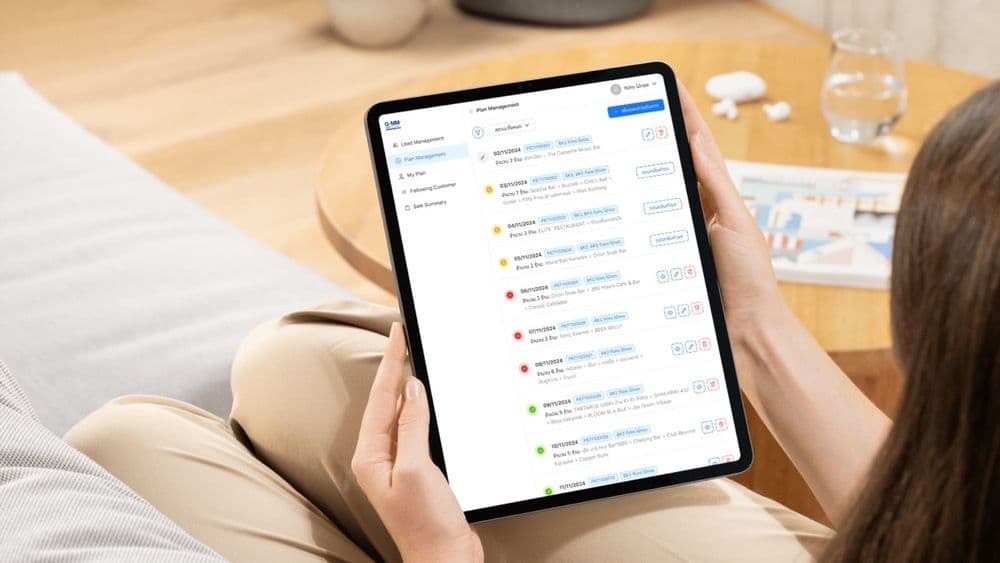
GMM Music Publishing International
From first visit to renewal: designing GMM MPI’s licensing CRM
- UX/UI Design & User Research
- Business Process Management
- Solution Architecture

We watch people do the real task with their own data, design the flows and screens around it, and test them with users before build. Developers receive a design system they can apply to every new screen.
UX/UI design and user research means finding out what people need from a system by watching them work, then designing the flows and screens around those tasks.
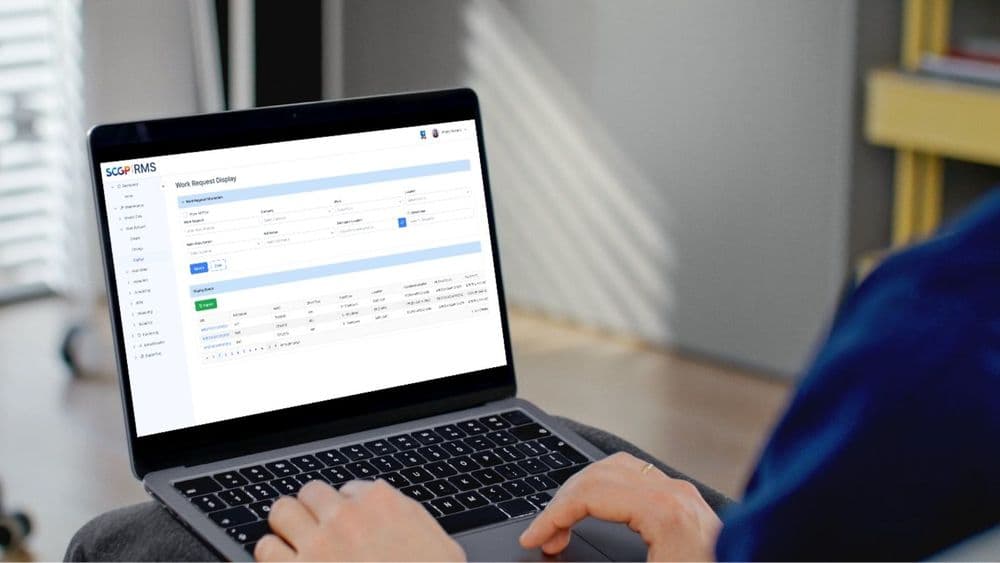
For a manufacturer's maintenance system we A/B tested a new flow against the current one with six end users and delivered 26 ranked findings and a design system. We also designed the GMM Music Publishing sales CRM, and designed and built Photory on the app and the web.
Staff keep a spreadsheet beside the system
People track work in Excel because the system makes some tasks slower than the spreadsheet does.
Screens follow the database layout
Forms show every field in the table, so users scroll past fields they never fill in.
Users were consulted once, in a workshop
Requirements came from one early session, and later design decisions rested on assumptions.
Every screen looks slightly different
Without a shared component set, each new screen is designed from scratch.
User research and task mapping
Watching people do the real task where they work, including the steps no requirements document mentions.
Interaction design
Flows and screens designed around the task, with sensible defaults and fewer steps.
Prototyping and usability testing
Clickable prototypes tested with real users before development, including A/B tests against the current flow.
Design systems
A component set with usage rules and a developer guideline, so new screens match the existing ones.
Accessibility
Contrast, keyboard operation, focus states and screen-reader support designed in from the first screens.
Every engagement runs through the same six-stage fitting process, from the first consultation to long-term care. The stages stay in the same order; how deep each one goes depends on the project.
See the full fitting processPeople cannot choose to stop using internal software, so a poor interface shows up as slower work, more errors and spreadsheets kept beside the system. We judge a design by whether people drop those workarounds after launch.
Research for business software does not need a lab or a large sample. We watch a small group of users, often around six, do the task where they work, with their own data. That shows the steps nobody wrote down, such as a figure copied from another screen or a check done on paper.
We then design around those tasks and test a prototype with users before anything is built. Where a current system exists, we test the new flow against it on the same tasks.
The design system comes last: components, usage rules and a guideline for developers, so the team can build new screens that match without waiting for a designer.







Engagements span build, integration and long-term support. Named with permission; clients under NDA are not listed.
It depends on how many user roles and screens are in scope, how much research and testing you want, and whether you need a full design system. We give a written estimate after a short scoping call, or price against the TOR for public-sector work.
Fewer than you might expect. Watching around six people do the real task usually surfaces most of the usability problems. They need to be people who do the work every day, because managers describing a task tend to leave out the steps that cause trouble.
A component library makes buttons and forms consistent. It does not decide what goes on each screen, in what order, or how a task moves from one screen to the next, which decide how easy the system is to use. Design work covers that and uses your library.
Yes, and usually we should. Most design work in business software is about structure, hierarchy and interaction. Where a brand palette causes an accessibility problem, low contrast being the usual one, we point it out and propose an accessible variant of the colours.
We design for contrast, keyboard operation, screen-reader support and focus states from the start. Some public-sector TORs include accessibility requirements, and adding them to a finished interface costs far more than building them in. If your TOR names a standard such as WCAG, we design to the level it sets.
GMM Music Publishing International
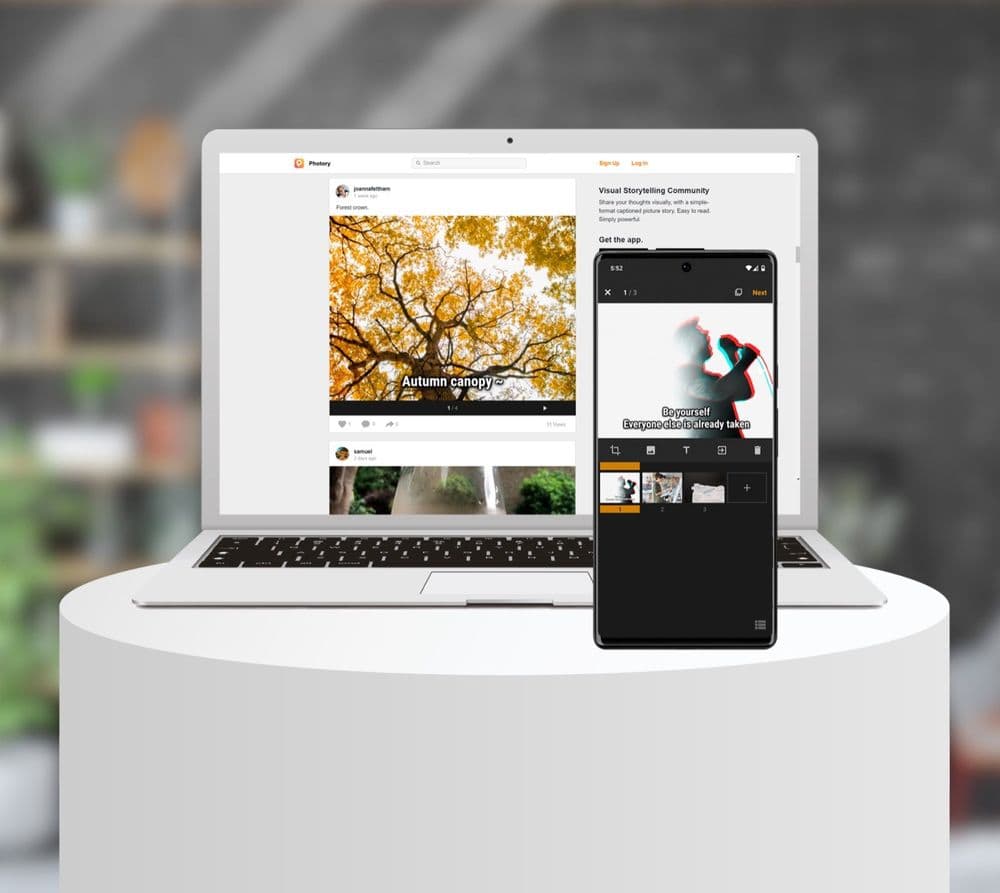
Photory
Next step
Tell us about the problem you are trying to solve. A senior person reads every inquiry and replies with our view of fit, scope and cost, including when another option would suit you better.
We use essential cookies to make this site work and, with your consent, Google Analytics and Hotjar session recordings to understand how it is used. Forms are hidden in recordings. Cookie policy